
In Azure Subscription features:
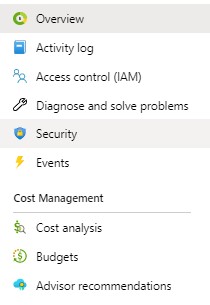
Subscription blade


How to see all available Resources Providers on Azure Portal
- Go to Azure Portal.
- Go to Subscription Resources.
- Select one of your active subscriptions.
- Subscription’s blade gets open.
- Go to Resource Providers item in the left panel.
The list of all resources providers/ all available resources is listed.
 Multi Cloud Solutions