
Create organization and workspace in terraform cloud
- Sign up/in to this URL (https://app.terraform.io/signup/account)
- Skip all the questions
- Create an organization
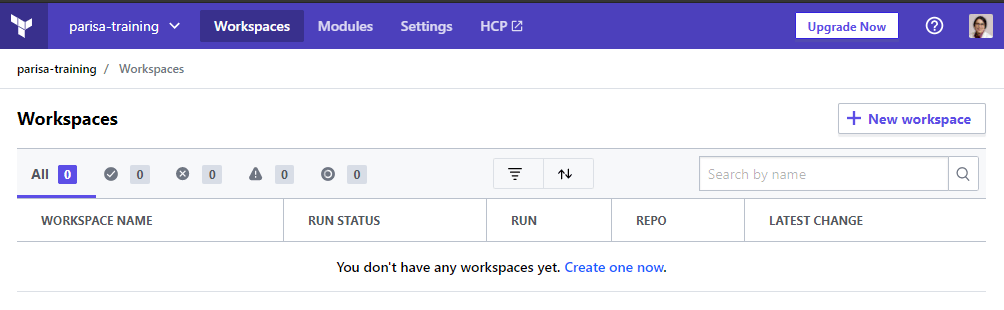
4. Create a workspace (by clicking on create one now)
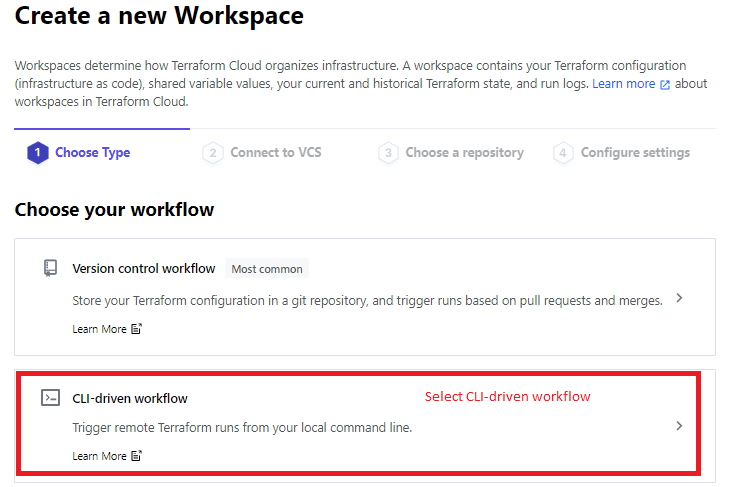
5. Select the type of the workspace (CLI-driven workflow)
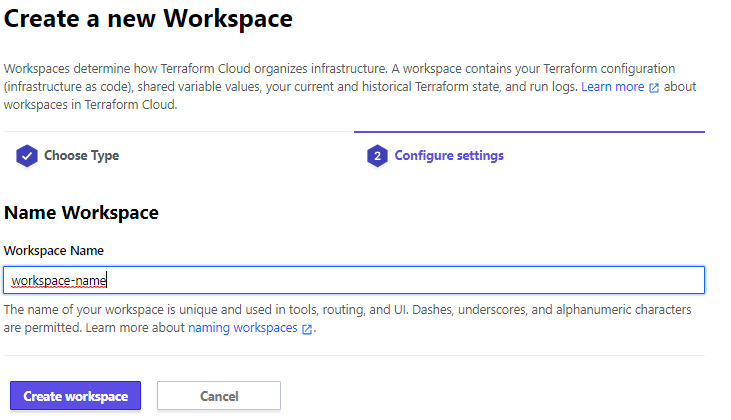
6. Give a name to the workspace.
7. Create the workspace.
8. After creation the workspace the following page is appeared.

9. Set the terraform version in workspace > Setting > General and save settings.

10. Change execution mode to local (to run Terraform commands from the workstation with local variables.)

11. Pay attention: you see two settings on the page.

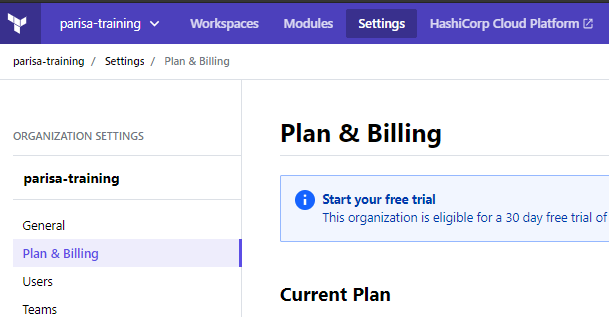
12. For changing the Plan & Billing go to the Organization setting.
We can use remote state to avoid saving the terraform state file locally and safe keeping the terraform state.
 Multi Cloud Solutions